
⚙️ Marking objects

📳
List of commands


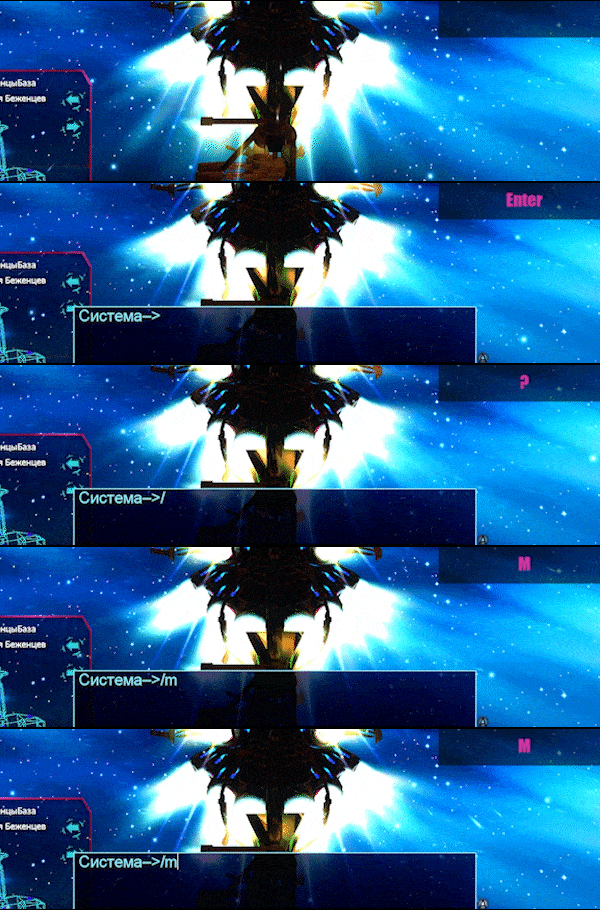
/mark
/m
        
Makes the selected object appear in an important section of the lower left menu and be fully highlighted.
        
        
Animated GIF
A c t i v e


/unmark
/um
        
Remove the allocation from the selected object.
        
        
Animated GIF
A c t i v e


/unmarkall
/uma
        
Remove the allocation from all allocated objects.
        
        
Animated GIF
A c t i v e


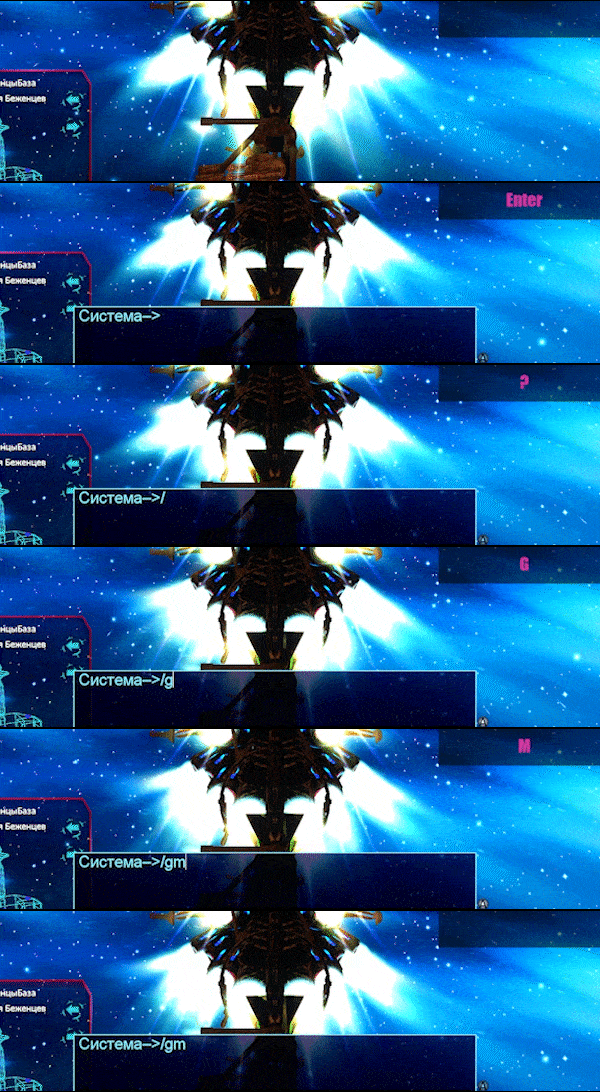
/groupmark
/gm
        
Allocates an object to the entire group.
        
        
Animated GIF
A c t i v e


/groupunmark
/gum
        
Remove the selected object from the selection for the entire group.
        
        
Animated GIF
A c t i v e


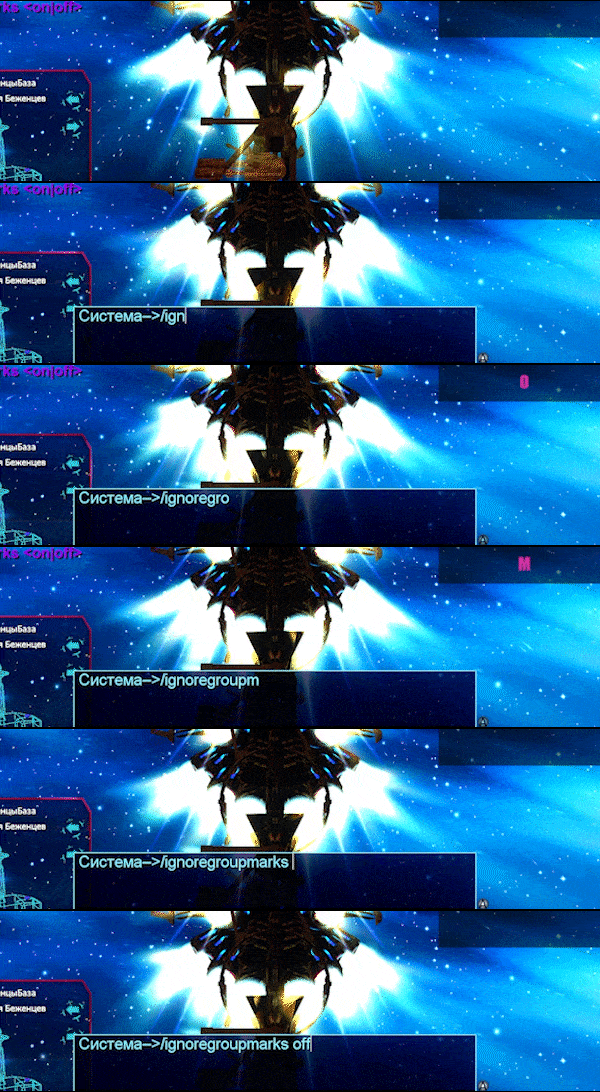
/ignoregroupmarks
        
Ignore the marks of other members of your group.
        
        
Animated GIF
A c t i v e