


/help
/h
/?
Печать пользовательской справки с переопределением встроенной справки.
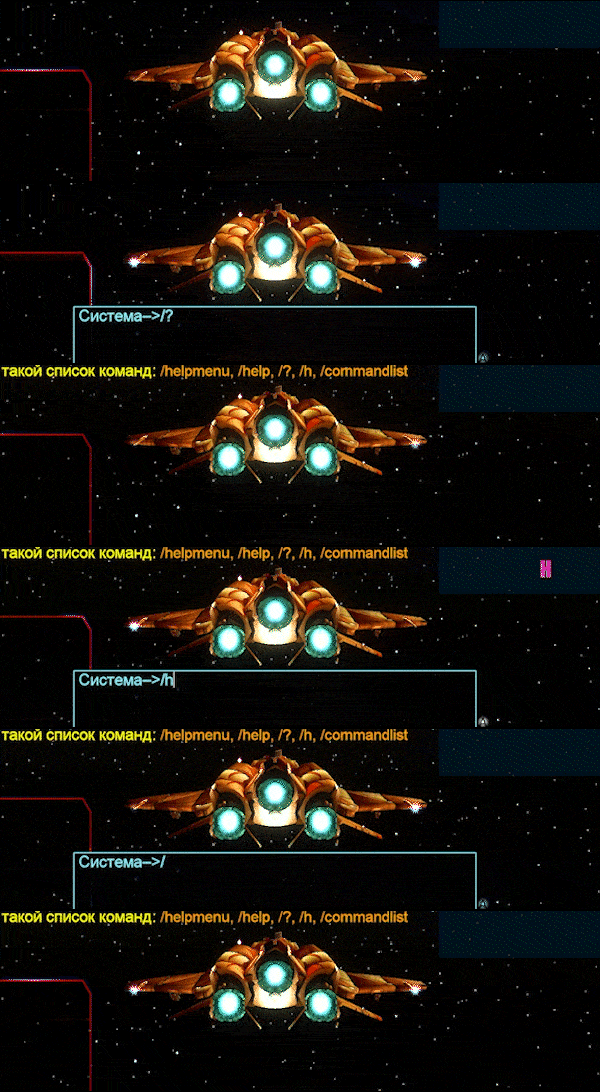
/commandlist
/commandlist [name]
Печать пользовательской справки о командах. Вводите предложенную команду из списка.

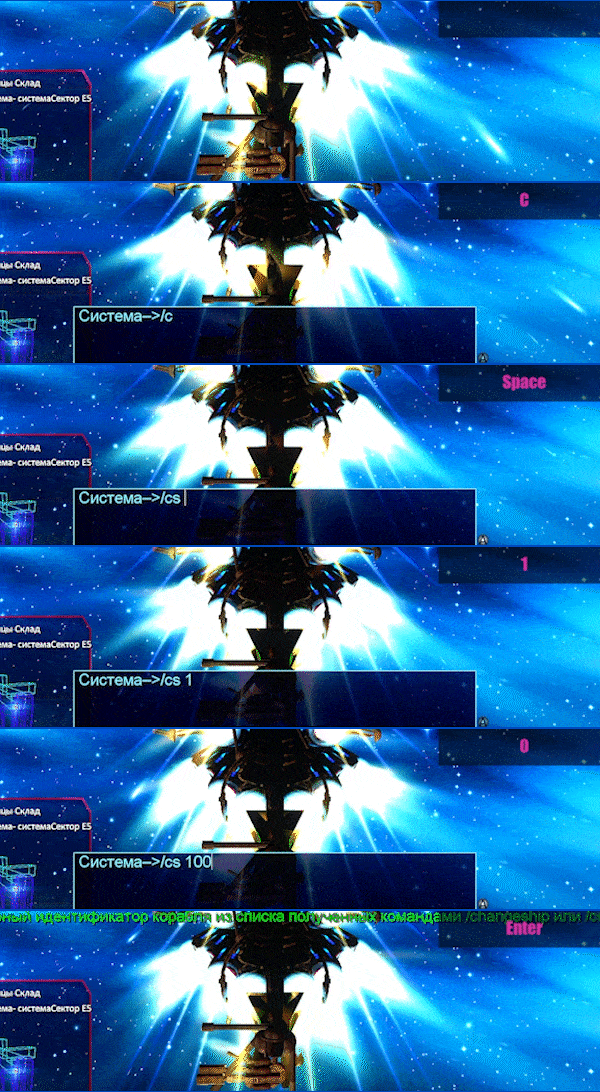
/changeship [id]
/cs [id]
/cs
Полный список кораблей получаем командой /cs без параметров. Сохраняет корабль в импровизированный ангар игрока на котором вы находитесь в текущий момент. Позволяет изменить корабль на другой, работает смена только в космосе. На сервере существует ограничение в количество кораблей которые вы можете сохранять в свой ангар, будьте внимательны! Вы можете удалить корабль из ангара введя команду /ds (или /delship)
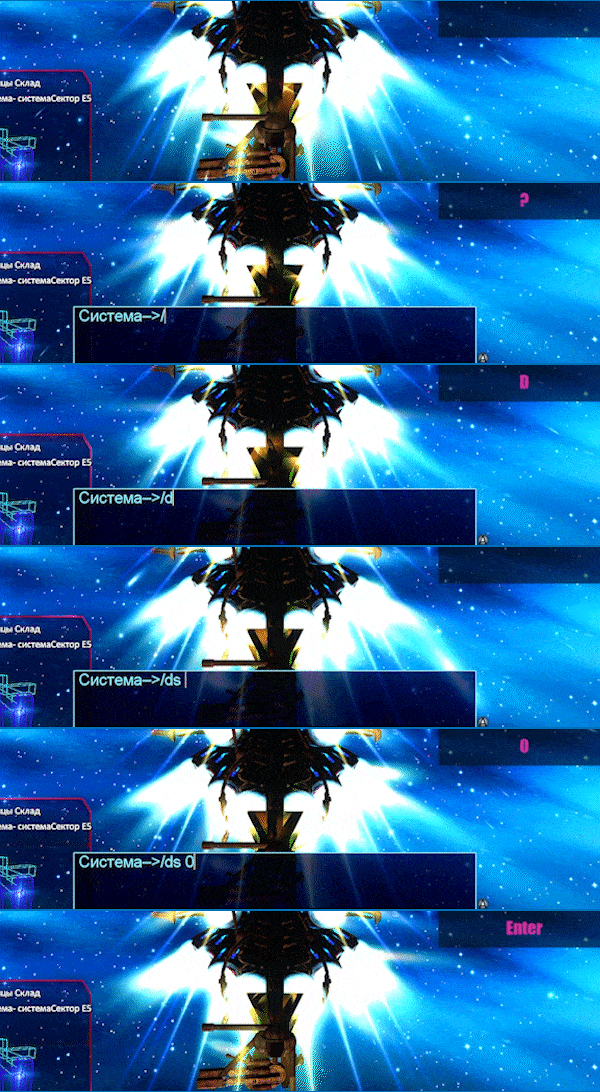
/delship [id]
/ds [id]
Удаляет сохранённый корабль из списка тех, что появлялись по мере покупки. (относится к импровизированному ангару игрока)
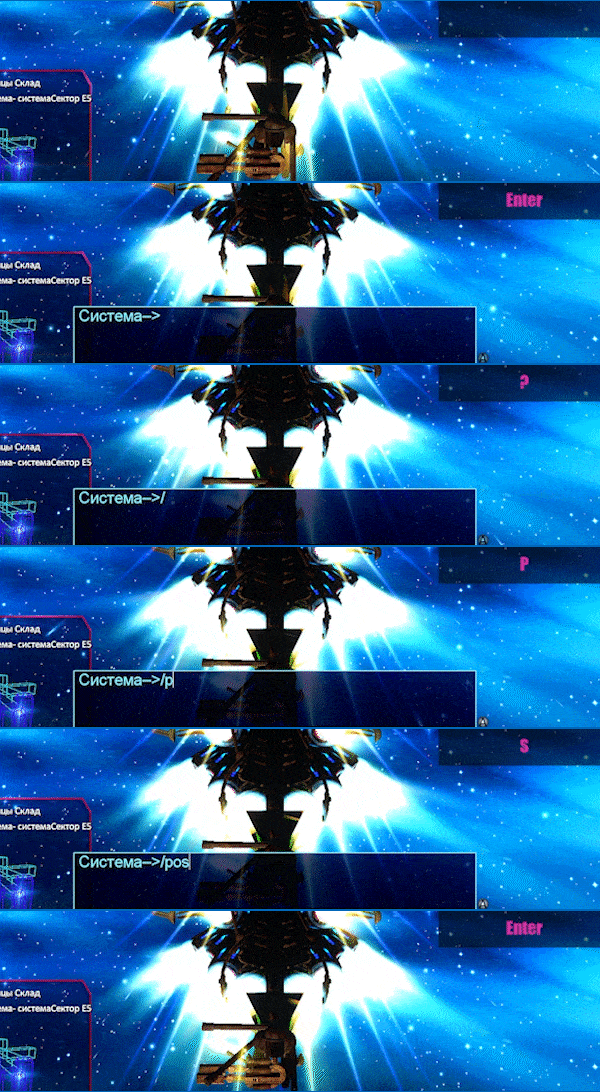
/pos
Печать текущей позиции.
/stuck
Немного переместите корабль, если он застрял в базе.